The terminal
A small bash with pipes and redirects, about 60 commands, framework chips, history and Ctrl-C.
How it works
iOS does not let an app start other programs, so Pythilo's terminal is a small bash built into the app. It reads a line the way bash does (quotes, variables, globs, pipes and lists) and runs each command as part of Pythilo, on the real files of your project and with the same Python that runs your code. A command or option that is not built in says so, rather than being ignored. Type help for the list, and COMMAND --help for a command's options.
The prompt shows the folder you are in. cd moves around inside the project and stays where you left it; cd on its own goes back to the project root. A non-zero exit code is shown as [exit N]. Smart punctuation from the iOS keyboard is undone before a line runs, so a long dash typed by the keyboard becomes -- again and curly quotes become straight ones.
Keys, history and Ctrl-C
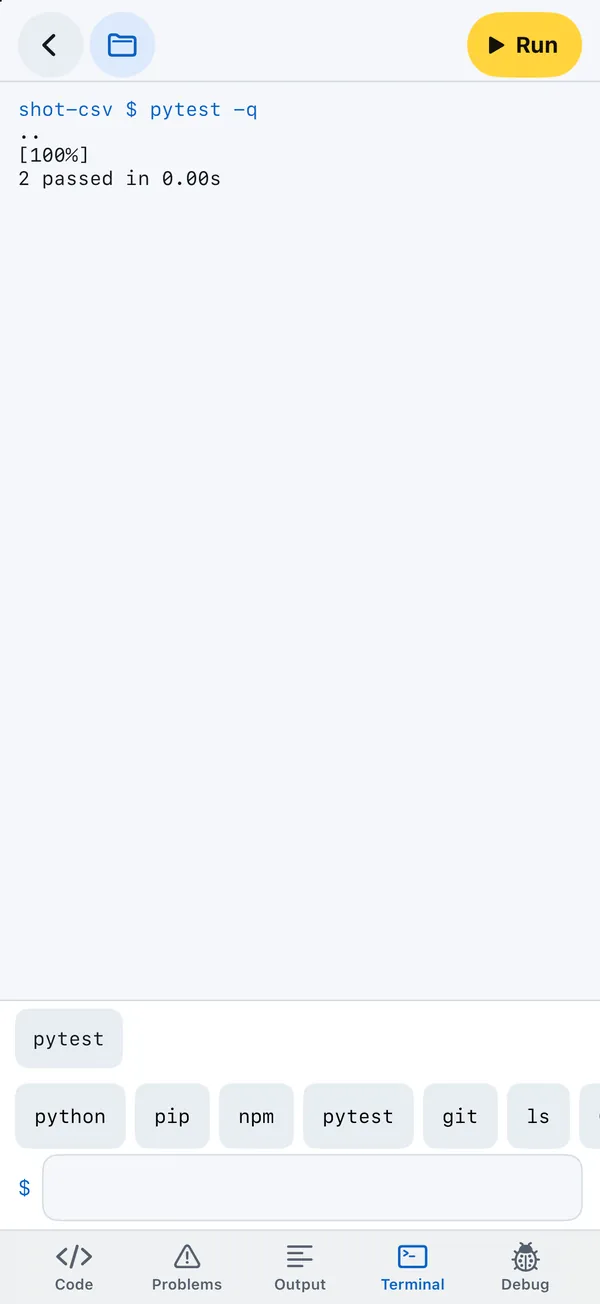
Above the input line is a row of keys: python, pip, npm, pytest, git and ls type the word and a space; Ctrl-C stops what is running; ↑ steps back through the commands you ran since you opened the panel. While something runs, the field reads Running. Ctrl-C stops it; you can type the next line already and it waits for Return. When a program asks for input(), the prompt changes to > and the line you type goes to the program.
Pipes, redirects and variables
| Write | Means |
|---|---|
ls | grep py | A pipe: the first command's output is the second one's input. |
pytest && git commit -m ok, a || b, a ; b | Run the next command if this one succeeded, if it failed, or either way. |
> file, >> file, < file | Write output to a file, append to it, or read input from it. |
2> file, 2>&1, &> file | Send errors to a file, together with the output, or both to a file. |
$NAME, ~, *.py | Variables, the home folder and globs expand. export, unset and NAME=value command set variables; $? is the last exit code. |
Background jobs (&) and programs that are not built in are not available.
File commands
| Commands | Notes |
|---|---|
ls, cd, pwd, tree | ls -a shows hidden files, -l sizes and dates. |
cat, less, head, tail | head and tail take -n N. |
find, stat, du, file | find . -name "*.py", sizes, and what kind of file something is. |
touch, mkdir, rm, rmdir, mv, cp, ln, chmod | mkdir -p, rm -r, cp -r. rm refuses to delete the project itself. |
basename, dirname, realpath | Parts of paths. |
zip, unzip, tar, gzip, gunzip | Pack and unpack archives. |
Text tools
echo, printf, grep, sed, awk, sort, uniq, cut, tr, wc, diff, tee, seq, rev, nl, xargs, base64, sha256sum and md5sum work on files and in pipes, for example:
grep -rn "TODO" . | sort | uniq -c
cut -d, -f1 people.csv | sort | uniq
ls *.py | xargs wc -l
Also there: env, printenv, date, sleep, time, whoami, uname, which, clear and help.
curl and wget
curl URL prints a response and wget URL saves it to a file, so you can try your API or download data. They also reach your own server while it runs, for example curl http://127.0.0.1:8000/api/tasks.
python
python and python3 are the same interpreter, the one inside the app.
pythonwith nothing after it opens an interactive prompt. Stop ends the session.python file.pyruns a file; a folder with__main__.pyruns too.python -m moduleruns a module:pip,pytest,http.server,json.tool…python -c "code"runs code given as text, andpython -runs code piped in:cat script.py | python -.-iopens the interactive prompt after the program, with its variables;-qskips the banner;-Wsets a warning filter;-Xsets an option;-Bwrites no.pycfiles.python --versionprints the version.python -m venvis not needed and says so: each project already has its own package folder.
Django, Flask and Uvicorn
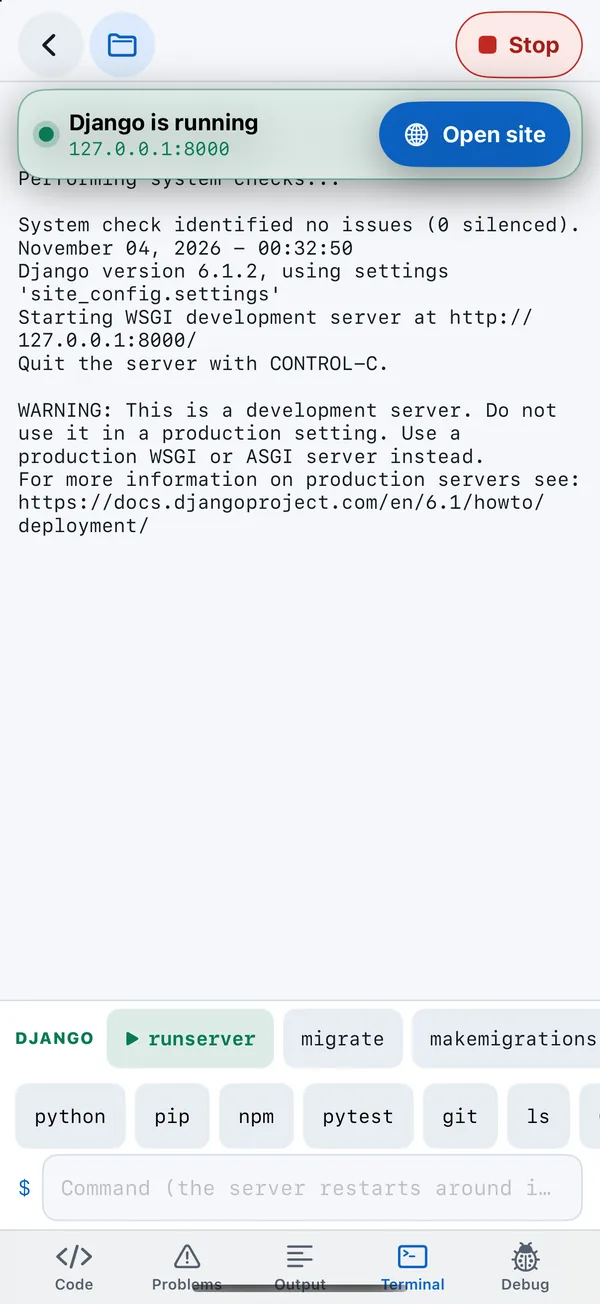
python manage.py <command>anddjango-admin <command>work as on a computer.runserverruns without the autoreloader (iOS cannot start the child process it needs), so stop and run again after a change.dbshellis refused, because it starts an external database program.flask --app hello runruns a Flask app. The reloader and--debugare refused for the same reason.uvicorn main:appserves a FastAPI or Starlette app on127.0.0.1:8000;--hostand--portchange that.--reloadand--workersstart extra processes and are refused.
When a server starts, Pythilo shows it and offers Open site. See Web servers and the preview.
Framework chips
Pythilo looks at the project and puts its framework's commands one tap away, above the terminal and below the output after a run:
| Project has | Chips |
|---|---|
manage.py | Django: runserver, migrate, makemigrations, createsuperuser, test, check. Commands that need an argument, such as startapp, fill in the line instead of running. After python manage.py lists its commands once, All N commands opens every one, grouped by app. |
Flask( in app, main, hello, wsgi, asgi or server.py | Flask: run, routes |
FastAPI( or Starlette( | Uvicorn: uvicorn main:app |
test_*.py or tests/ | pytest -q |
package.json | NPM: install, and build, dev or start when the project defines them |
pip, pytest, sqlite3, git and npm
pipinstalls into the project. See Packages.pytestruns as on a computer, with your arguments.sqlite3 db.sqlite3opens a database. See SQLite.gitcoversinit,status,add,reset/restore,commit -m,log,diff,branch,switch/checkout,merge,rebase,remote,fetch,pull,pushandconfig. Clone from the Projects screen. See Git.npminstalls from the npm registry and builds with esbuild;npx esbuildworks too. See npm and esbuild.
While a server runs
A server keeps Python busy. If you type a command while a server you started from the terminal is running, Pythilo stops the server, runs the command and starts the server again; the field says Command (restarts the server). If some other program is running, the terminal asks you to stop it first.